
Touch Screen PCs
All-in-one touch screen computers for business — also known as panel PCs — with the computer and touch display in one sealed unit. From 7″ embedded and industrial panel PCs to 86″ interactive displays, with Intel Core i5, Celeron, or ARM inside and Windows, Android, or Linux on top.


Capacitive Touchscreen PCs
Our largest all-in-one line — X6413E, Intel Core i5, and N4200 models with 10-point multi touch.
Browse Capacitive Touchscreen PCs →
Embedded Touchscreen PCs
Compact ARM-based panel PCs for kiosks, machines, and building control.
Browse Embedded Touchscreen PCs →
Touch Screen Kiosk PCs
Floor-standing, self-service, outdoor, and conversational AI kiosks.
Browse Touch Screen Kiosk PCs →
Industrial PCs
Rugged touch panel PCs built for factories and harsh environments.
Browse Industrial PCs →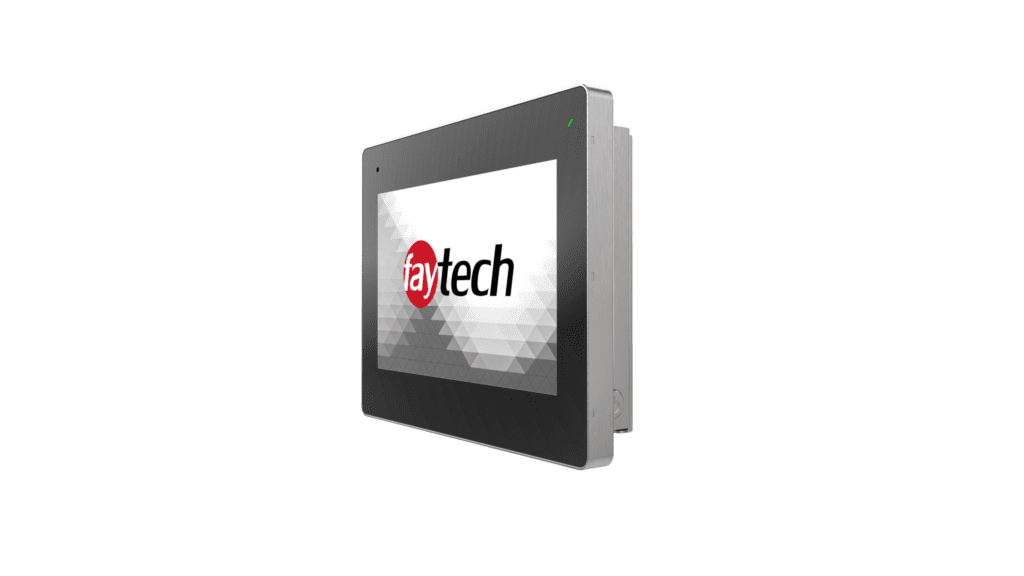
High Brightness PCs
Sunlight readable all-in-one PCs for storefronts and outdoor use.
Browse High Brightness PCs →
IP69K Touch Screen PC
Fully sealed, washdown-ready touch computers for food and pharma.
Browse IP69K Touch Screen PC →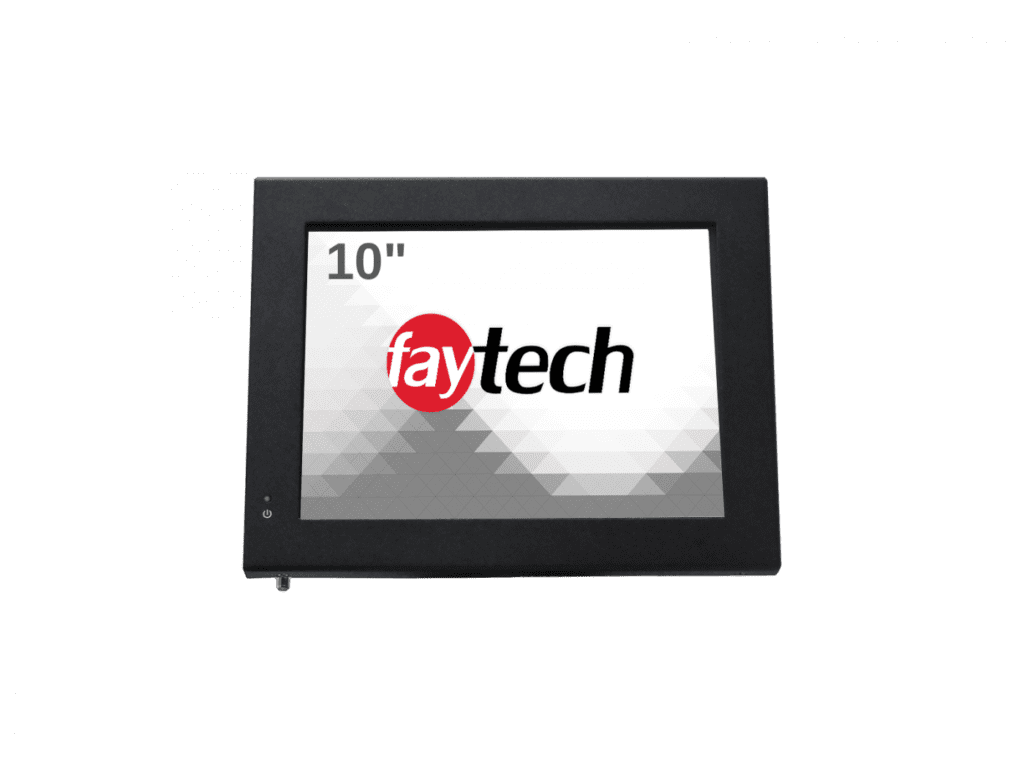
Resistive Touchscreen PCs
Pressure-based touch PCs that work with any stylus or heavy gloves.
Browse Resistive Touchscreen PCs →Why a faytech touch screen PC
One device, not two
The computer and touch display ship as a single sealed all-in-one — no separate tower, fewer cables, faster installs.
Commercial-grade panels
Designed for 24/7 duty cycles, unlike a consumer desktop or laptop pressed into service.
Silent, fanless options
Fanless models run cool with no moving parts — no noise, no dust intake, less maintenance.
Long-term availability
Business product lines with consistent components, so repeat orders match what you installed last year.
Touch Screen PC FAQs
What is an all-in-one touch screen PC?
An all-in-one touch screen PC combines the computer and the touch display in a single sealed device — no separate tower or cabling. faytech models pair a commercial touchscreen with an Intel Core i5, Intel Celeron, or ARM processor, running Windows 11, Android, or Linux. Because everything lives behind the glass, installation is one bracket and one power cable, which is why panel PCs dominate kiosks, machine control, and point-of-sale.
Which processor should I choose — Intel Core i5, Celeron, or ARM?
Match the processor to the workload. An Intel Core i5 touch PC handles demanding software, multitasking, and AI workloads. Celeron-class models (X6413E, N4200) run signage, self service, and standard business applications at a lower cost. ARM-based embedded PCs are the most power-efficient choice for single-purpose Android deployments. If you are unsure, tell us what software you run and we will spec the right fit.
Do touch screen PCs run Windows 11?
Yes. Intel-based faytech touch PCs ship with or support Windows 11 (including IoT Enterprise for long-life deployments), and the same hardware also runs Linux. ARM models run Android. Buying the OS preinstalled means the touchscreen, drivers, and orientation settings arrive configured — plug in power and network and the device is ready for your software.
Where are panel PCs and touch screen computers used?
Anywhere a business needs a computer the public or staff can operate by touch: self-service kiosks and point-of-sale, machine and building control, digital signage with interaction, warehouse stations, and medical or lab settings. Sealed front panels handle cleaning and dust, and fanless models add silent operation for offices, studios, and patient-facing environments.
What is the difference between a touch screen PC and a touch screen monitor?
A touch screen PC has the computer built in; a touch screen monitor connects to a PC you already own via HDMI and USB. Choose the all-in-one when you want fewer devices and cleaner installs; choose a monitor when you have existing computers or need to upgrade displays independently. faytech builds both lines with the same commercial-grade touch glass.
Can faytech customize a touch PC for my project?
Yes — customization is core to what we do. Options include brightness upgrades for sunlight readability, IP-rated sealing up to IP69K washdown protection, storage and memory configurations, branding, and mounting. For volume projects we can adjust components to hit a target spec or price. Talk to our engineers about your requirements.
Which faytech models count as an industrial panel PC touch screen?
An industrial touch screen PC is built for factory floors, warehouses, and outdoor enclosures rather than an office desk — sealed fronts, a wide operating temperature range, and vibration-rated mounting replace the plastic housing of a standard business panel PC. Our industrial touch screen PCs line is the rugged touch screen PC option in the range, and select models add waterproof touch screen PC sealing for washdown areas. Design and features stay consistent across sizes, and mounting hardware is rated for continuous duty. Tell us the environment and we will confirm the enclosure rating you need.
What is an embedded touch screen PC, and is it fanless?
An embedded touch screen PC is a compact, ARM-based panel PC built for a single dedicated task — a kiosk screen, a machine interface, or a building-control panel — rather than general business computing. Our embedded touch screen PCs are fully fanless: no fan, no vent, and no moving part to fail, which makes a fanless embedded PC a natural fit for enclosed cabinets and dusty production floors. The smaller footprint also lowers cost versus a full Intel Core i5 panel PC when the software only needs to run one application. Start here for single-purpose deployments before stepping up to a heavier processor.
Can I get a touch screen monitor for a PC I already own, instead of buying a new touch screen computer?
Yes. If you have a working PC and only need touch input, a touch screen monitor for PC connects over HDMI and USB, adding touch screen for PC capability without replacing the computer — the same idea as a PC monitor with touch screen support or a touch screen PC monitor upgrade. This fits when you already own the hardware, need to upgrade displays on separate schedules, or are standardizing a fleet one station at a time. Browse the touch screen monitor lineup for that path, or stay here for the all-in-one route, where computer and display ship as one sealed unit.
How is a commercial touch screen desktop computer different from a consumer all-in-one PC?
A commercial touch screen desktop computer is built for daily public or staff use: sealed glass instead of a plastic bezel, industrial-grade components rated for continuous duty, and a business product line that stays available for repeat orders. A consumer all-in-one is built for a home desk with lighter-duty parts and a shorter sales life, so components can disappear between orders. Choose the touch screen desktop PC when the device runs 24/7 in a kiosk, counter, or control room; a standard desktop is fine for a back-office computer nobody touches all day. faytech’s capacitive touch screen PCs are built to the commercial standard from the start.
What screen sizes do faytech touchscreen PC models come in?
faytech’s touchscreen PC range runs from a 7″ embedded panel up to an 86″ interactive display, so screen size is set by where the unit is mounted rather than by a single product tier. Compact 7″–15″ models suit kiosks, counters, and machine panels; mid-range 15″–27″ sizes cover point-of-sale and reception; and the largest displays are built for wall-mounted signage and meeting rooms. Slim bezel options are available across most sizes for a cleaner mounted look. Tell us the mounting space and viewing distance and we can narrow the touchscreen PC size for you.
How are memory and storage configured on a faytech touch screen PC?
Memory and storage are configured to the build rather than fixed per model. A heavier Intel Core i5 unit ships with more GB of RAM and larger storage than a Celeron or ARM product needs, because the workload — not the chassis — sets the requirement, and the same panel size can be ordered in several configurations. That is why capacities are quoted per project instead of listed as one number per SKU. Tell us the software you plan to install, the data it holds locally, and whether a Microsoft Windows 11 image is involved, and we will size memory and storage to that processor tier.
How long will a given touch screen PC model stay available to order?
faytech runs its touch screen PC lines as long-term business products, not seasonal consumer releases — the aim is that a unit you order this year matches the model you installed last year, because we keep components consistent rather than refreshing the lineup on a retail schedule. That matters most for multi-site rollouts and spare-unit stocking, where matching hardware beats chasing whatever is newest. Availability varies by product and component supply, so if a model’s continued offering matters to your timeline, ask before you order and we will confirm current status and shipping lead time.
Not sure which touch PC fits?
Tell us your software, environment, and screen size — we’ll recommend the right model and OS.